Digital Nomad: One Month in Panama
Panama is an increasingly popular remote-work base, anchored by a capital with some of the best connectivity in Central America, a US-friendly time zone, the US dollar as currency, and a nomad visa. The connectivity question for a working month is different from a tourist's: you need reliable data for daily video calls, a redundancy plan for when wifi fails, and enough headroom for tethering. Panama City makes this easy; the highlands and islands less so. This guide covers building a setup that does not drop your standup call, wherever you base yourself.
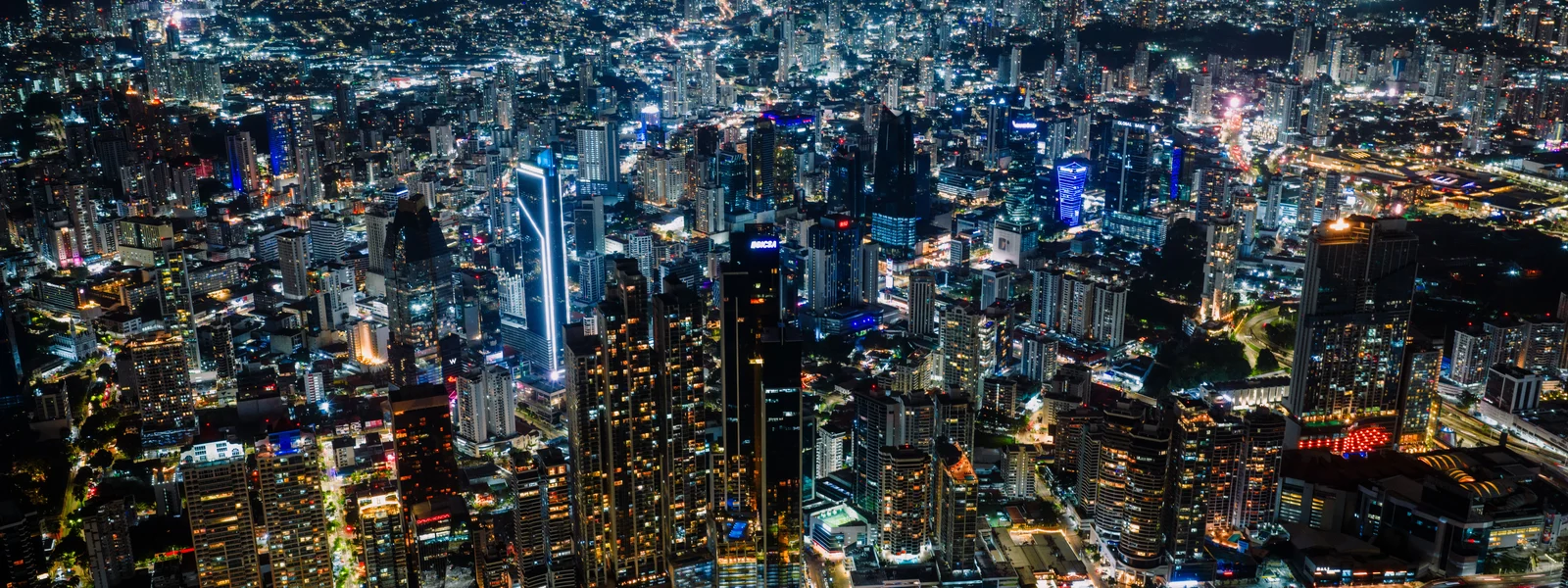
Panama City is one of the easiest places in Central America to work online. The complications start only when you trade the skyline for the highlands or the islands.
The main nomad bases and what to expect
Remote workers in Panama cluster in a few places with very different connectivity profiles, from the hyper-connected capital to the laid-back islands. Knowing the local reality shapes how much you lean on mobile data versus venue wifi.
| Base | Connectivity reality | Best for |
|---|---|---|
| Panama City | Excellent. Fast fiber, abundant coworking, strong mobile backup. | Anyone wanting the most dependable connection and city amenities. |
| Boquete (highlands) | Good. A popular expat town with decent infrastructure. | A cooler, quieter base; verify rental wifi and keep mobile backup. |
| Bocas del Toro | Variable. Island infrastructure is more limited. | An island lifestyle base; lean harder on mobile data and test wifi carefully. |
| Coronado & Pacific beaches | Good near the developed coast. | Beach living within reach of the capital; check the specific spot. |
How much data a working month really takes
The honest number depends on how much of your heavy work runs over mobile data versus venue or rental wifi. In Panama City with good fiber, your eSIM mainly handles commutes, the occasional outage and weekend trips, and 20 GB can suffice. If you base yourself in Bocas or the highlands where wifi is less reliable, or you tether your laptop regularly, daily video calls and uploads push you toward 40 GB or more.
For a remote worker, the single most important plan feature after coverage is whether tethering is allowed. Some plans restrict it. In Panama City the strong fiber means you may tether little, but if you base yourself in Bocas or the highlands where wifi is patchier, tethering to your phone is often what saves a client call, so confirm the plan permits it and choose one with enough data to back a laptop.
The redundancy setup that protects your calls
The difference between a tourist and a working nomad is that you cannot afford a single point of failure. In Panama City this is rarely tested; on the islands it matters a lot. The robust setup layers three sources of connectivity.
Your main connection for the working day. In Panama City this is excellent; in Bocas or the highlands, test it before committing and ask the host for a speed test screenshot.
When the wifi drops mid-call, switch to your phone's hotspot on a multi-network eSIM. A generous plan here is your insurance against a missed meeting.
For mission-critical work, a second eSIM on a different operator means even an issue on one network does not take you fully offline.
Why Panama works so well for remote workers
Panama has several practical advantages for nomads beyond the connectivity. It uses the US dollar, so there is no currency friction for those earning in dollars. Its time zone aligns with US Eastern time, making it excellent for anyone with US clients or employers, with calls landing at sane hours on both ends. And it offers a remote-work visa pathway. Combined with Panama City's strong infrastructure, this makes it one of the more frictionless bases in the region for keeping North American hours.
Practical tips for a working month
- Base yourself in Panama City for reliability, or accept more variability for the lifestyle of Bocas or the highlands.
- Choose a multi-network eSIM for the broadest coverage if you will work from beyond the capital or travel on weekends.
- Buy a plan with top-up so you can extend data mid-month without a new purchase.
- Test rental wifi before committing outside the capital. Island and highland wifi claims can be optimistic, so a speed test screenshot from the host beats a surprise.
- Keep your home line active for two-factor codes and bank messages, with its data roaming off, while the eSIM carries your data.
Where we land
For a working month in Panama, size your eSIM to your base: 20 GB if you are in Panama City with solid fiber, 40 GB or more if you base yourself in Bocas or the highlands and tether often, always with tethering confirmed and top-up available. Build the three-layer redundancy, which matters most away from the capital. Our Panama plans suit the nomad case well: generous data tiers, top-up in seconds, and the strongest available network for the days you work from somewhere beyond the city.
Plans for Panama
Panama eSIM plans
Prices in USD. Instant QR activation. Pick your data, land connected.
FAQ
How much data do I need to work remotely from Panama for a month?
It depends on your base and how much heavy work runs over mobile data versus wifi. In Panama City with good fiber, 20 GB covers gaps and backup. With mixed reliance and regular mobile video calls, plan for 30 GB. If you base yourself in Bocas or the highlands where wifi is patchier and you tether daily, 40 GB or more is realistic. Always confirm the plan allows tethering.
Is Panama good for digital nomads in 2026?
Yes, particularly Panama City, which has some of the best connectivity in Central America with fast fiber and abundant coworking. Panama also uses the US dollar, aligns with US Eastern time for those with US clients, and offers a remote-work visa pathway, making it one of the more frictionless bases in the region. The highlands and islands are viable but have more variable infrastructure.
Which Panama location is best for remote work?
Panama City has the best and most reliable infrastructure, ideal for anyone whose work depends on dependable connectivity. Boquete in the highlands is a popular expat town with decent infrastructure and a cooler climate. Bocas del Toro offers island living but with more limited and variable wifi, so it suits those who can lean harder on mobile data and tolerate some unreliability.
Does Panama's time zone work for US clients?
Yes, very well. Panama aligns with US Eastern time, so working hours line up cleanly with US clients and employers, and calls land at reasonable times on both ends. Combined with the US dollar as currency and Panama City's strong infrastructure, this makes Panama an especially frictionless base for nomads keeping North American hours.
Can I tether my laptop on a Panama eSIM?
On most reputable plans yes, but some restrict tethering, so confirm before buying. In Panama City the strong fiber may mean you tether little, but if you base yourself in Bocas or the highlands where wifi is patchier, tethering is often essential as a backup, so choose a plan that explicitly allows it and has enough data to back a laptop.